
Operational Guidelines
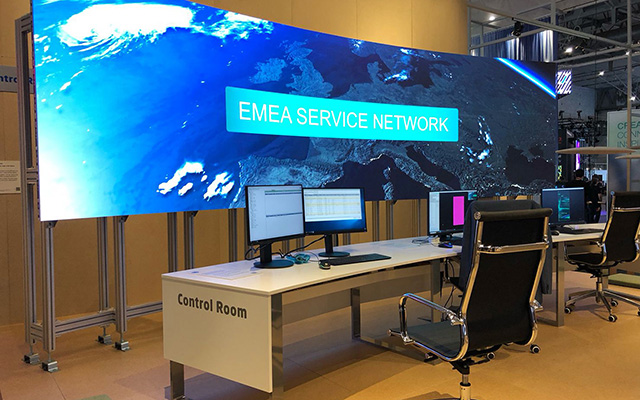
24/7 Operation
Sharp Desktop Displays are built for reliable long-term use. However, they are primarily designed for standard office environments. The supported operating time depends on the model, technology and application.
Sharp Large Format Displays are also built for reliable long-term use. Depending on the model, they are certified for different operating times, including extended or 24/7 operation.
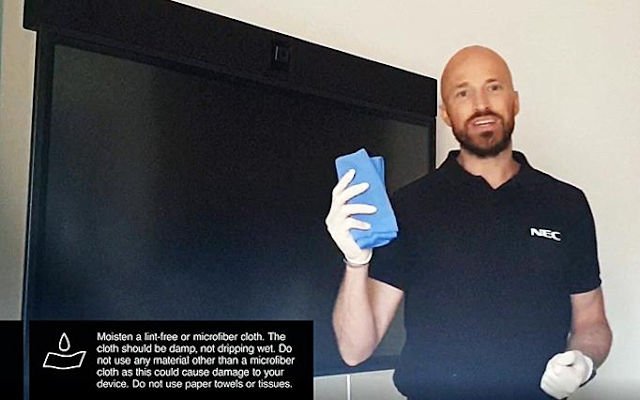
Sharp Display Cleaning and Disinfection Instructions
Keeping your display free from dust, fingerprints and other marks helps maintain the best possible viewing experience. To avoid damaging the surface, please follow the recommended cleaning and disinfection instructions.
This guidance applies to Sharp Desktop Monitors, Projectors and Large Format Displays, including interactive and non-interactive models, as well as remote controls.
.
Best Practice Guidance
How to protect your Sharp Projection Equipment during longer periods of inactivity?
Restart and maintenance checklist before switching on your Sharp Projection Equipment after a longer shutdown period.
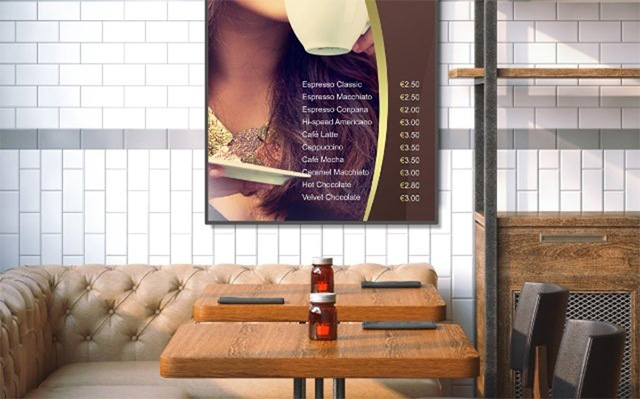
Guideline for Installation Orientation of LCD Displays
Landscape and portrait orientation
LCD displays are designed and manufactured for standard use in a vertical position.
Some models can only be used in landscape orientation, while others also support portrait orientation. Please refer to the product user manual for the correct installation and rotation direction.
Face-up and face-down installation
When used in a face-up or face-down position, the operating conditions differ from standard vertical use.
To ensure correct and efficient heat dissipation, the maximum allowed ambient temperature must be below 35°C and the fans must be switched on to increase airflow and support normal operation of the device.
Please note that LCD displays may show changes in picture performance over time when used in this position. This is normal for LCD panel technology and is not covered under warranty.